Introducing Peacae PM: Agent-Native Project Visibility
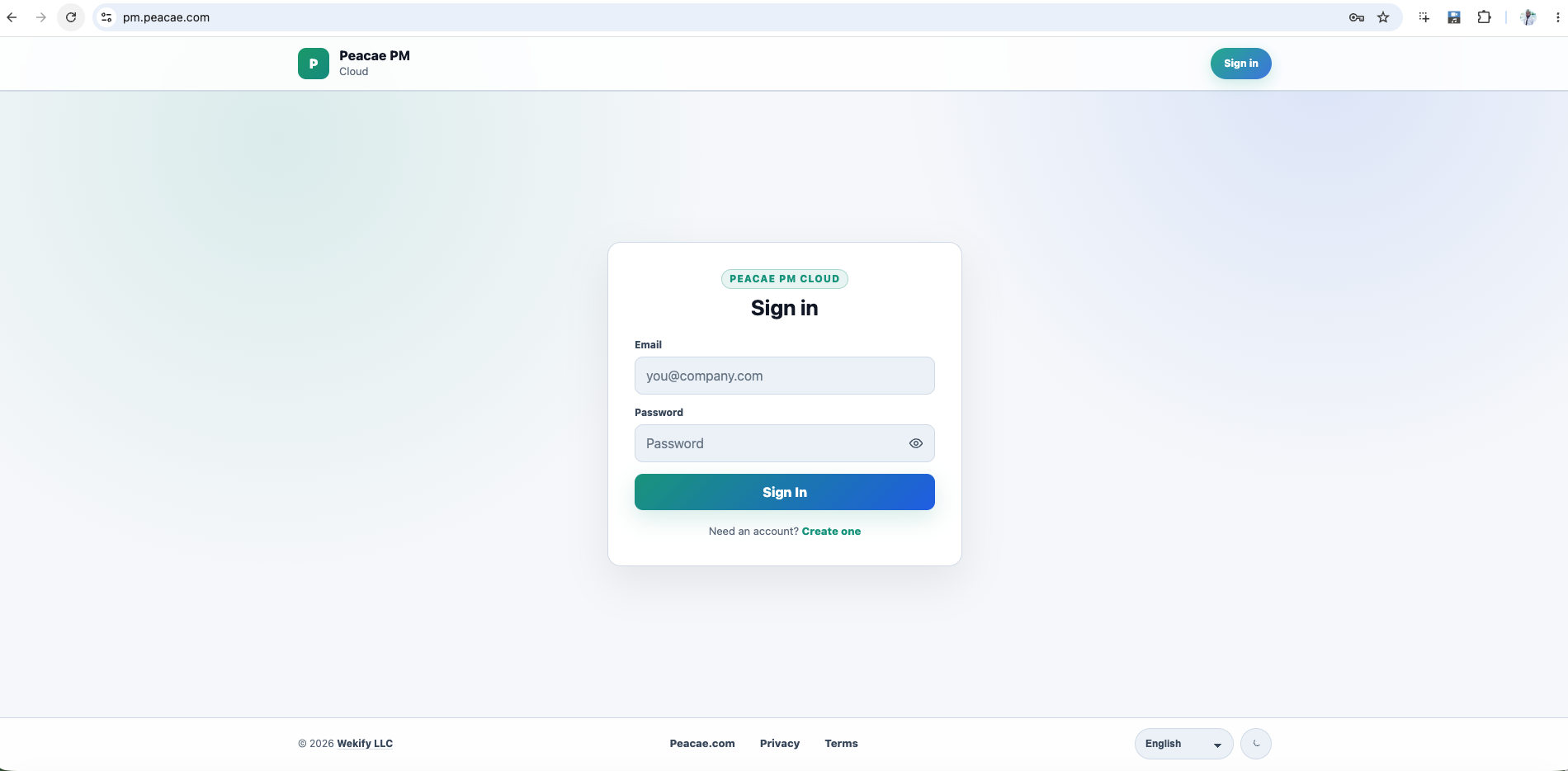
Peacae PM is where Peacae began in earnest: project management that stays close to the work instead of asking people to report on the work.
If you build with AI agents, coding assistants, or automated task files, you already know the friction. The code moves. The tasks file moves. Then someone still has to open another tool and manually recreate what already happened. Peacae PM is built to remove that gap.
Desktop-first, file-native
Peacae Desktop is an Electron app for daily PM. The contract stays deliberately small:
- •Agents read
.peacae/config.json - •Agents write
.peacae/tasks.json - •Peacae ingests the file into local views
Agents do not need Peacae API access. The work file is the interface. Your repo carries the truth; Peacae watches it, normalizes features and tasks, and surfaces the state in Kanban boards, task tables, agent activity, sync status, and settings.
In local mode, you can run without account setup. Project data stays on your machine with embedded storage—useful when you want visibility before you want organizations, invites, or shared infrastructure.
Cloud when the team needs visibility
Peacae PM Cloud is the browser layer for teams: sign in, join organizations, accept invites, and review synced project data after Desktop pushes local rows to Supabase.
Cloud is for shared visibility and read-only dashboards—not for replacing the desktop workflow. Once synced, cloud views can show tasks, recent activity, feature progress, metrics, charts, reports, and task tables in the browser, scoped to the organizations and projects you belong to.
Why the split matters
Peacae PM is intentionally two surfaces:
- •Desktop for doing the work and watching the file
- •Cloud for team visibility when the work needs to be seen outside one machine
Local-first where it helps. Cloud where it earns its place.
Who it is for
Peacae PM is a strong fit if you run agent-heavy workflows, want boards and tables without manual status updates, or need optional team visibility without turning every change into a meeting.
Screenshots
5 screenshots — opens in a gallery dialog
Related Articles
How to record your screen privately in the browser
A quick walkthrough of the web recorder setup: sources, audio, quality, and what stays on your device.
Presenter bubble styles and shapes explained
Style your on-screen presenter bubble before you record — position, preview, theme, and shape.
Switch screen and camera mid-recording
Change views during a recording with a smooth transition instead of starting a new file.