Mark chapters while you record
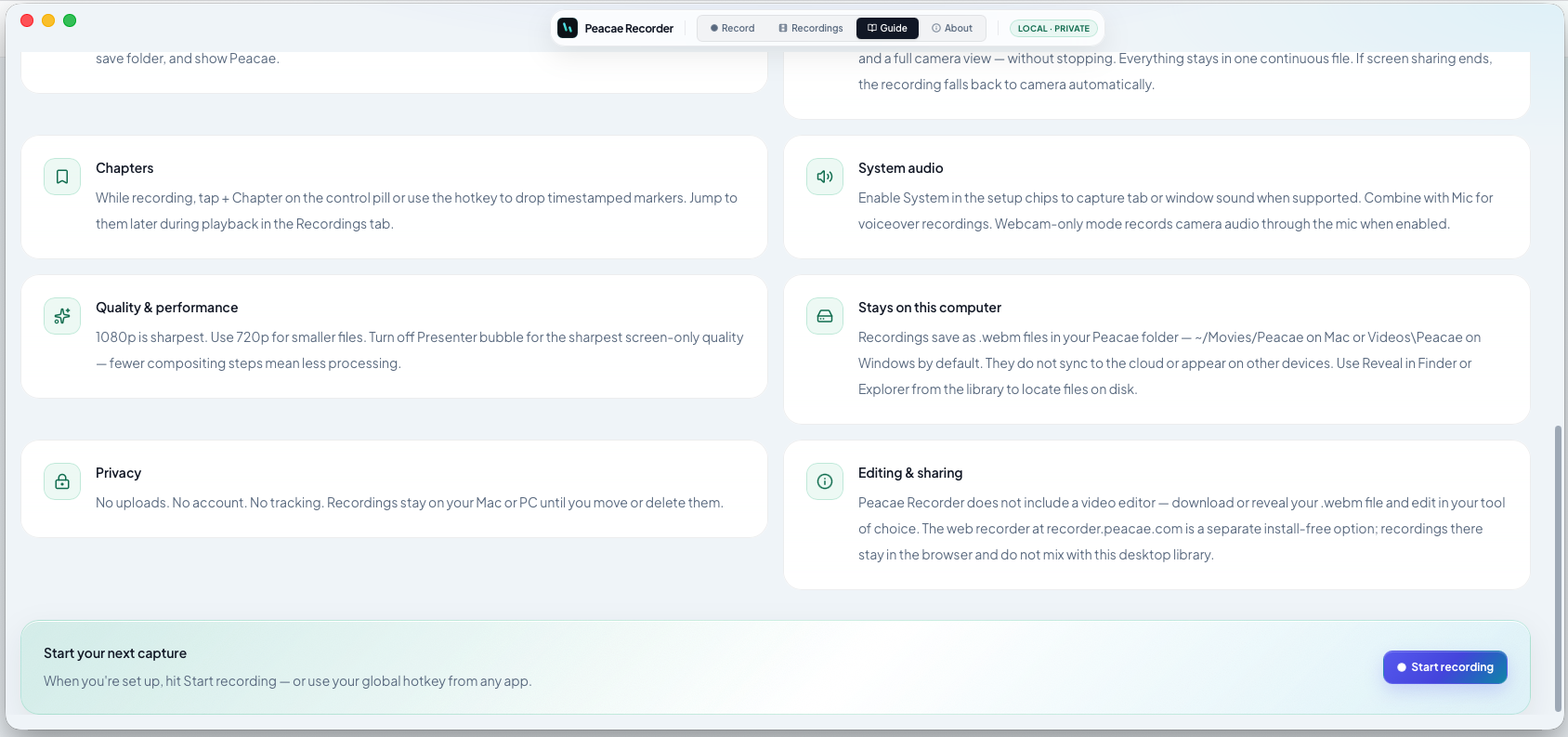
Long recordings are easier to navigate when you mark sections as you go. OhRec lets you add chapters during capture — no post-production timeline required.
Add a chapter mid-recording
While recording, use the chapter control on the recording bar or your desktop hotkey. Each marker stores the current timestamp against the same continuous file.
Jump during playback
Open the recording from your library and use the chapter list to skip to demos, Q&A, or key decisions. Chapters stay embedded in the WebM export you download.
Screenshots
1 screenshot — opens in a gallery dialog
Related Articles
How to record your screen privately in the browser
A quick walkthrough of the web recorder setup: sources, audio, quality, and what stays on your device.
Presenter bubble styles and shapes explained
Style your on-screen presenter bubble before you record — position, preview, theme, and shape.
Switch screen and camera mid-recording
Change views during a recording with a smooth transition instead of starting a new file.